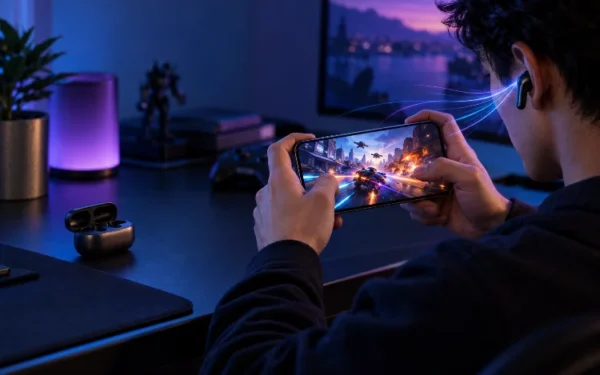
Wireless Earbud Battery Life Under Real Usage Conditions
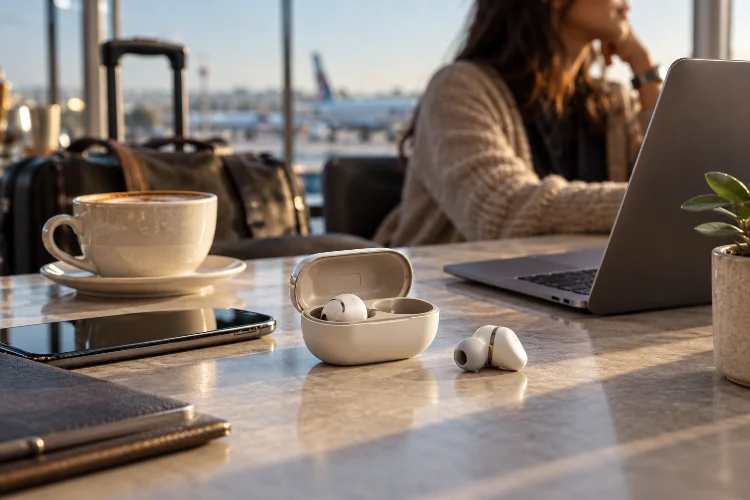
Wireless earbuds often promise six, eight, or even ten hours of listening on a single charge. Add the charging case, and the box may advertise 24 or 30 hours of total battery life.
Those numbers are useful, but they rarely tell the entire story.
Real wireless earbud battery life changes depending on how you actually use the earbuds. Active Noise Cancellation can increase power consumption, spatial audio may add additional processing, phone calls keep microphones active, and higher playback volumes require more energy.
Wireless conditions, Bluetooth codecs, temperature, and battery age can also influence endurance.
There is another detail that marketing numbers sometimes hide: case battery life and earbud battery life are not the same thing. A case capable of providing several recharges does not help much during a seven-hour flight if the earbuds themselves run out after five hours.
To compare earbuds fairly, you need to look beyond the largest number on the product page and understand the conditions behind it.
Single-Charge Battery Life Matters More Than the Case Total
Manufacturers usually advertise two battery figures: continuous earbud playback and total listening time with the charging case.
The second number is almost always larger and therefore looks better in marketing.
For actual daily use, however, the first figure is often more important.
Apple rates the AirPods Pro 3 for up to eight hours of listening with Active Noise Cancellation enabled. The charging case increases total ANC listening time to 24 hours, but the earbuds still need to return to the case between sessions.
Sennheiser takes a similar approach with the Momentum True Wireless 4. Its official specifications list up to 7.5 hours with ANC disabled, around seven hours with ANC enabled, and as much as 30 hours when the charging case is included.
For commuters, the case total matters a lot. For long flights, gaming sessions, or extended work calls, continuous runtime is the more useful number.
Manufacturer Claims Need Testing Conditions
A battery-life claim means very little without knowing how it was measured.
Playback volume alone can change the result. Running earbuds loudly requires more amplifier power than listening at moderate levels. ANC settings, EQ, wireless signal strength, and audio features can change the equation further.
Bose provides a good example of why testing conditions matter. For the QuietComfort Ultra Earbuds (2nd Gen), Bose rates battery life at up to six hours with Immersive Audio disabled and approximately four hours when Immersive Audio is enabled.
Its test used Bluetooth playback at roughly 75dB SPL with full noise cancellation active.
That two-hour difference comes largely from additional processing.
So if one product claims eight hours and another claims six, do not immediately assume the first is 33% better. Check whether ANC, spatial processing, volume, and other features were configured similarly.
A fair comparison needs consistant conditions.
Real-World Testing Can Beat – or Miss – the Official Claim
Interestingly, independent testing does not always produce worse results than manufacturers advertise.
Sony officially positions the WF-1000XM6 around the eight-hour range, but SoundGuys measured 9 hours and 41 minutes of playback in its standardized test at approximately 75dB SPL.
That is an important reminder that battery specifications are not necessarily dishonest. They simply describe a particular controlled scenario.
Independent testing becomes valuable because multiple earbuds can be measured using the same methodology.
The best strategy is therefore to combine both.
Use manufacturer specifications to understand available features and expected endurance, then check reviews that test competing earbuds at similar volume levels and settings.
Also avoid directly comparing numbers from two different review publications unless their methodology is similar. One lab may use ANC, another may disable it. One may test at 75dB while another uses a fixed percentage on the phone’s volume slider.
Battery benchmarks only become truly useful when the testing conditions match.
ANC and Spatial Audio Can Reduce Runtime
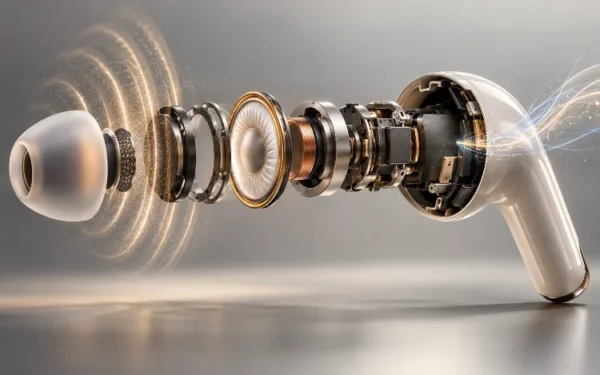
Active Noise Cancellation requires microphones to continuously monitor environmental sound. The earbuds then use processors to calculate and generate the signal needed to reduce that noise.
All of that uses energy.
The effect varies by product. Sennheiser’s Momentum True Wireless 4 drops only modestly from a claimed 7.5 hours with ANC off to seven hours with ANC active.
More processor-heavy features can have a larger effect.
Bose rates its QuietComfort Ultra Earbuds (2nd Gen) at six hours with Immersive Audio disabled but only four hours with the feature running. Bose explicitly notes that the batteries discharge faster while Immersive Audio is active.
Apple shows a similar pattern. The AirPods Pro 3 are rated at up to eight hours with ANC, but that falls to about 7.5 hours when Spatial Audio with head tracking is active.
So if maximum endurance matters, turning off optional spatial processing can sometimes provide a meaningful improvement without sacrificing basic audio quality.
Calls Can Drain Earbuds Differently From Music
Listening to downloaded music is relatively straightforward. Phone calls are more complicated.
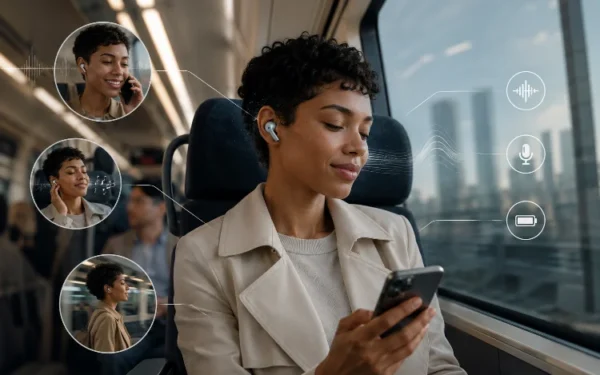
During a call, the earbuds are not simply receiving audio. Multiple microphones may remain active, beamforming algorithms may attempt to isolate your voice, and wireless communication becomes bidirectional.
Modern premium earbuds may use three or four microphones per side, plus noise-reduction processing.
That additional activity means talk time can differ from music playback time.
The same principle applies to voice assistants and frequent transparency-mode interactions. Every additional feature asks the tiny processors and microphones inside the earbuds to do more work.
Wireless conditions matter as well.
A clean Bluetooth connection allows the earbuds and source device to communicate predictably. Heavy interference or poor connection quality can force additional radio activity and error correction.
Higher-bandwidth codecs can also alter power consumption depending on their implementation, although codec choice alone usually should not be treated as a simple battery-life ranking.
For users who spend most of the day on Teams, Zoom, WhatsApp, or normal calls, music-only endurance figures may therefore be less realible than dedicated call testing.
Temperature Can Change Battery Performance
Earbuds contain extremely small lithium-ion batteries, so environmental conditions can have a noticeable effect.
Apple recommends using AirPods at ambient temperatures between 0°C and 35°C. It notes that extremely cold temperatures can temporarily shorten battery life, while prolonged exposure to excessive heat can permanently reduce battery lifespan.
Sennheiser similarly specifies temperature ranges for operation and charging on the Momentum True Wireless 4.
This matters more than it may seem.
Earbuds used during an outdoor winter workout may not match laboratory endurance. Likewise, leaving the charging case inside a hot parked car is far from ideal for long-term battery health.
Heat also appears during charging.
Wireless Qi charging is convenient, but it can sometimes create more heat than a wired connection depending on charger alignment and design. For everyday use that may be acceptable, but keeping small batteries unnecessarily hot is generally not desirable.
The safest approach is simple: avoid extreme temprature and let the earbuds cool down if they become unusually warm.
Quick Charging Can Be More Useful Than Huge Total Runtime
Battery life should also be evaluated alongside charging speed.
Imagine Earbuds A last eight hours but require a long recharge. Earbuds B last seven hours but can recover enough power for a commute during a few minutes in the case.
Depending on your routine, Earbuds B may be more convenient.
Sony says a three-minute quick charge can provide up to 60 minutes of WF-1000XM6 playback. In SoundGuys’ independent test with ANC enabled, that three-minute charge produced closer to 45 minutes—still useful for emergency listening.
Apple says five minutes in the AirPods Pro 3 charging case can provide roughly one hour of listening.
Sennheiser states that eight minutes of charging provides approximately 1.5 additional hours on the Momentum True Wireless 4.
Bose takes longer but offers a larger boost: a 20-minute quick charge can provide up to two hours on the QuietComfort Ultra Earbuds (2nd Gen).
For frequent travelers, quick-charge performance can be just as useful as another hour of maximum endurance.
Battery Aging Changes the Equation Over Time
The figures you see in reviews usually come from new or relatively new earbuds.
Your pair will not stay new forever.
Rechargeable lithium-ion batteries gradually lose usable capacity as they age and accumulate charging cycles. Apple notes generally that rechargeable batteries have a limited lifespan and eventually require servicing or replacement.
This is particularly noticeable in true-wireless earbuds because their batteries are tiny.
Losing even a modest amount of capacity can turn an eight-hour earbud into something that needs charging noticeably earlier.
Usage patterns matter too. Heat, frequent complete discharges, charging behavior, and simply calendar age can influence degradation.
There is also the question of repairability. Tiny sealed earbuds are harder to service than larger electronics, so checking the manufacturer’s battery-service options can be worthwhile if you plan to keep premium earbuds for several years.
A product with good new-battery endurance gives you more margin as the battery naturally ages.
How to Compare Earbud Battery Life Fairly
When comparing products, start with earbud-only endurance rather than total case runtime.
Then check whether the test was performed with ANC enabled. If you regularly use spatial audio, multipoint connectivity, or high-quality codecs, find reviews that test those features whenever possible.
Volume should also be similar across devices.
A standardized output level such as 75dB SPL is much more useful than saying both earbuds were tested at “50% volume,” because volume scales differ between products.
Next, examine quick charging and the number of full recharges the case can provide.
Finally, consider your own routine.
A commuter who listens for two hours per day can easily recharge from the case between trips. Someone wearing earbuds continuously for work needs much stronger single-charge endurance.
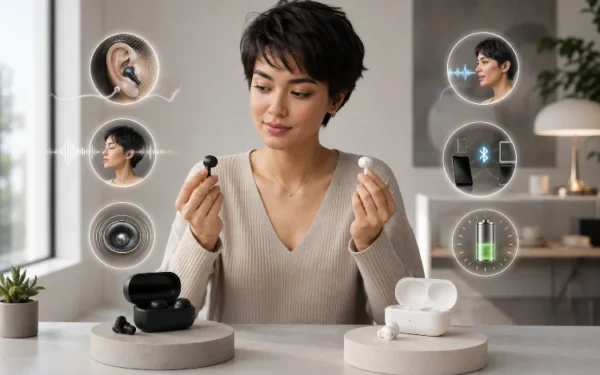
There is no universal battery winner. The best model is the one whose endurance matches how long you actually keep the earbuds out of their case.
Evaluating wireless earbud battery life requires more than reading the biggest number printed on the box.
Single-charge endurance, ANC, spatial processing, playback volume, calls, Bluetooth conditions, temperature, quick charging, and battery aging can all change real-world results.
Sony’s WF-1000XM6 even exceeded its typical eight-hour expectation in independent testing, while Bose demonstrates how advanced spatial processing can reduce runtime from six hours to around four.
Before buying, compare standardized battery tests with official specifications and pay attention to the exact settings used.
Most importantly, match the numbers to your routine. A huge 30-hour case total means little if your earbuds cannot survive your longest uninterrupted listening session.
Real-world endurance is ultimately about how long the earbuds stay useful between the moments you actually have time to charge them.
Related Articles